

C-Stand Transport Mounts (printable, free)
Couldn't load pickup availability
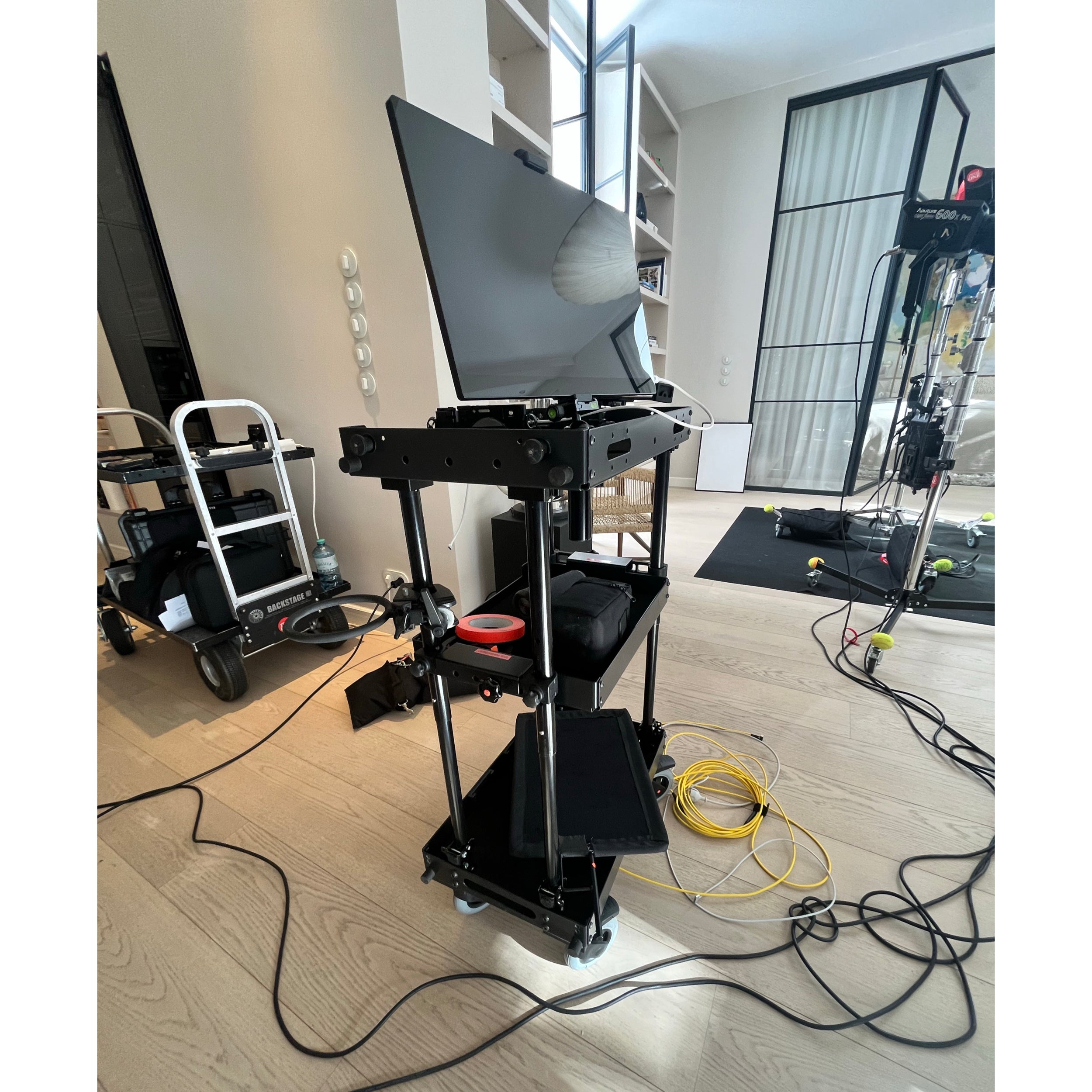
Simply clip your C-Stand(s) to the shelves of your SCHLEPP ONE or SCHLEPP ONE-S Camera cart for transport!
Mounts stay bolted to the pole of your C-Stand.
This printable C-Stand transport holder for SCHLEPP ONE Camera Cart consists of two printable parts and some fasteners (widely available).
1. printable parts (free for download)
You can get the STL-file for the upper and lower part of the C-Stand transport holder here:
DOWNLOAD for free on printables.com
SCHLEPP Camera Carts on printables.com
2. Required Fasteners:
- 4x M6x 55mm HEX Screw
- 4x M6 Nuts (+10mm Wrench)
- 4x M6 Washers
Orientation: Print 45° upright for optimized part stability.
Recommended filament: PETG, ABS, PA6, PA12 - do not use abrasive (reinforced) filaments as those may scratch the coating when placing and removing C-Stands to the shelves' lips.
Instructions:
-
Clip printed mounts onto the C-Stand pole. The closed side of the mount should point towards the direction of the folded C-Stand feet. (Side with screws should point towards the 180° opposite of the folded C-Stand feet). The lower mount is 9mm deeper to fit onto the lip (wall) of the middle shelf.
-
M6x55 Hex screws are inserted from the rear sides of the parts - into the hexagonal holes.
-
Determine the right height / distance by placing the C-Stand with the printed mounts (clipped on) onto the top shelf and middle shelf of your SCHLEPP Camera Cart.
-
Mount the (printed) upper part flush against the bottom of the lowest locking joint of the C-Stand; this ensures the joint sits on the mount and mechanically blocks any downward movement.
-
Start with upper mount: apply washers and nuts from the front side of the printed mounts - tighten them carefully (10mm wrench required) ! Too much force will brake any printed parts!
-
Tighten nuts on lower mount carefully.
The mounts can be used on the (long) front or (long) rear side of your shelves. You can clip up to 4 C-Stands to your SCHLEPP Camera Cart, with the folded C-Stand legs pointing outwards.
For setups using two C-stands on the same side, print a mirrored version of both the upper and lower mounts. This can be done effortlessly using the mirror function in most slicing software.
Using more than one C-Stand may require counterweight on your base.
⚠ Please check, if your setup is stable in operation (while pushing / pulling / turning) before adding expensive gear. If required, add counterweight to the base shelf.
We assume no liability for the operation, for the stability and / or functionality, as the stability of the part is highly dependent on your print quality and how it is used.
Ready for a test? Personal demo? In-store pickup?
rent one photo support GmbH
SCHLEPP Camera Carts
Rotherstr. 5 // 10245 Berlin // Germany
Mon - Fri, 09:00-18:00
Saturday, 12:00-18.00
Contact